
Download Audio Rocket Beta – audio editor, audio converter, music player, mp3 player, audio tool
Overview
Audio Rocket Beta is a free Android application designed for users seeking a lightweight solution for managing and manipulating audio content. As part of the MP3 & Multimedia Apps category, the software serves as a multifunctional tool for playing, editing, and converting audio files directly on mobile devices. It is specifically tailored for Android users running version 4.3 and above, offering a streamlined experience for individuals who need quick access to audio processing features without relying on desktop software.
The app targets casual users, music enthusiasts, and content creators who require basic audio functionality on the go. Its availability in English ensures accessibility for a broad audience. While the developer, Audio Rocket, has not provided detailed information about the company or its background, the software has been part of the public app ecosystem since 2017, indicating a long-standing presence in the mobile audio space. Real-world usage scenarios include editing short audio clips, converting file formats for compatibility, and playing music without the need for third-party players.
Despite its age, Audio Rocket Beta remains accessible to users seeking a no-cost entry point into audio management. However, due to the lack of recent updates and limited system requirements disclosure, its compatibility with modern Android devices may be uncertain. The app's functionality appears to focus on core audio tasks, making it suitable for users with minimal technical demands.
Key Features & Capabilities
- Audio Playback – Supports standard audio formats such as MP3, allowing users to play music and recorded files directly from their device’s storage.
- Audio Editing Tools – Provides basic editing functions, including trimming, cutting, and merging audio segments for quick modifications.
- Audio Conversion – Enables users to convert audio files between common formats, enhancing compatibility across different devices and platforms.
- Simple Interface – Designed with a user-friendly layout to simplify navigation and access to core functions.
- Offline Operation – Functions without requiring an internet connection, making it ideal for on-the-go use in areas with limited connectivity.
These capabilities allow users to manage audio files efficiently without the need for complex software. For example, a content creator might use the app to shorten a podcast recording before sharing it on social media. Similarly, a user could convert a WAV file to MP3 to save space on their device. The app’s focus on fundamental audio tasks ensures that it remains functional for basic workflows, though advanced features like effects processing or batch conversion are not indicated.
User Interface, Workflow & Performance
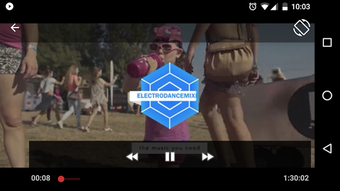
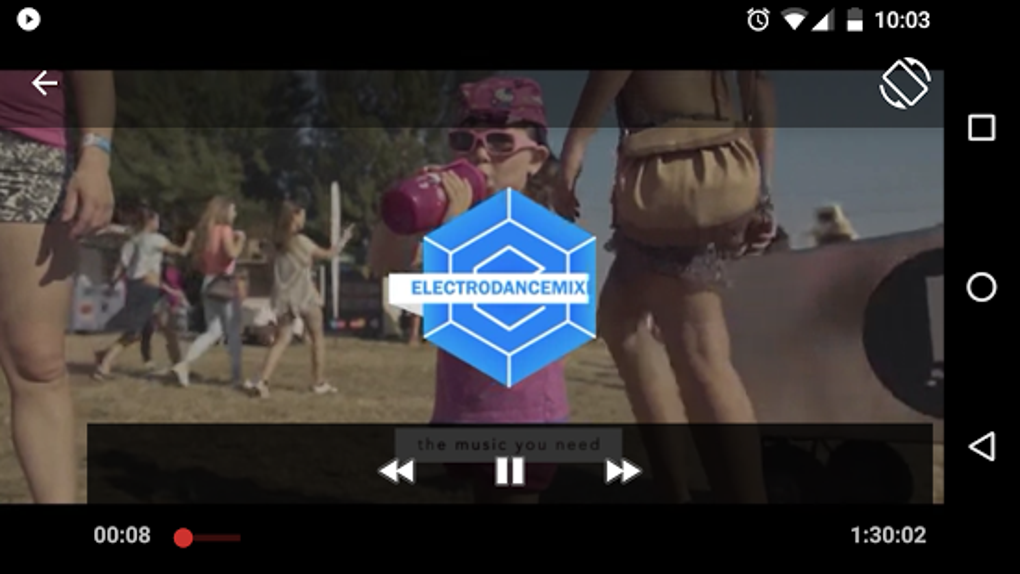
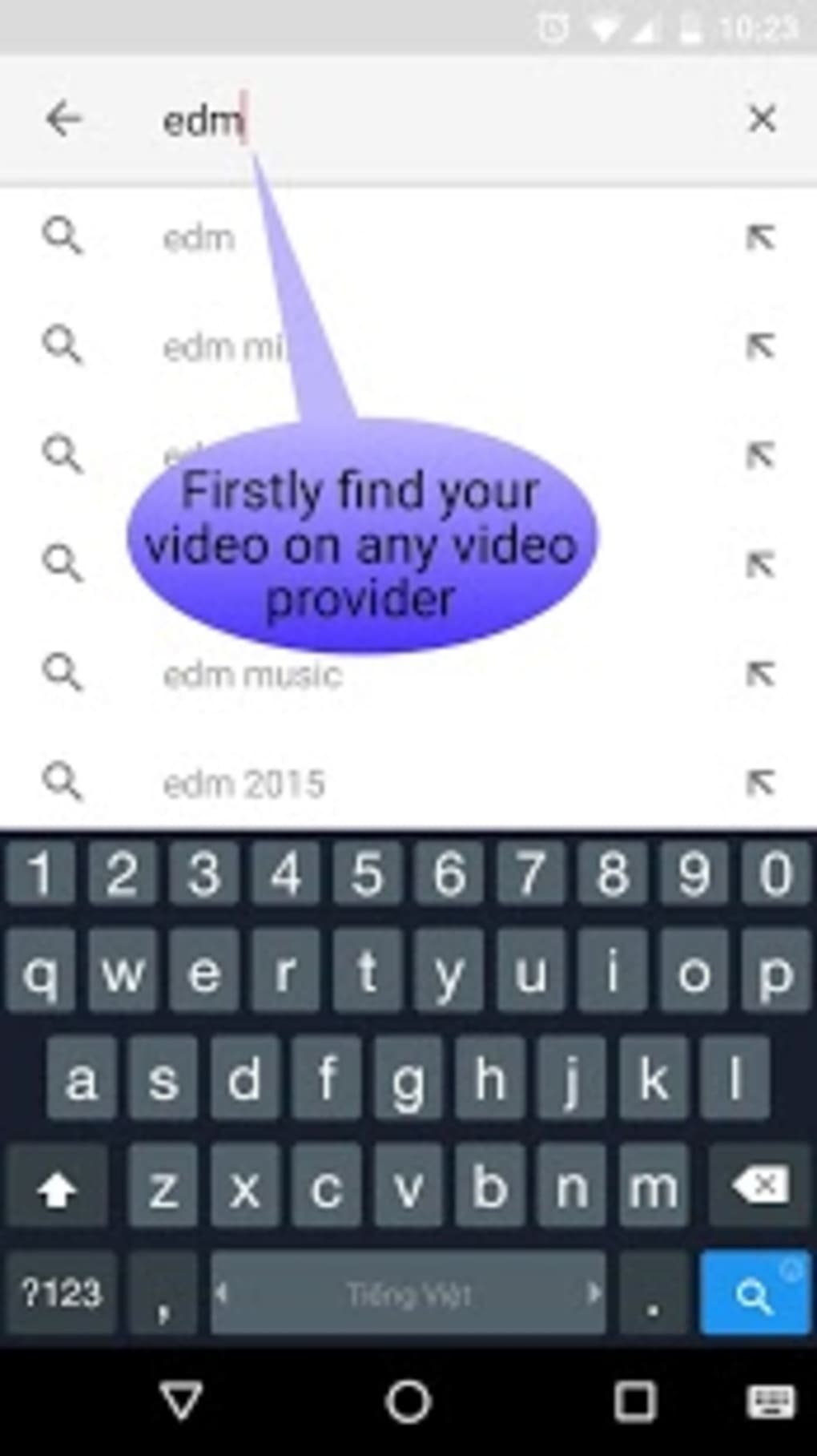
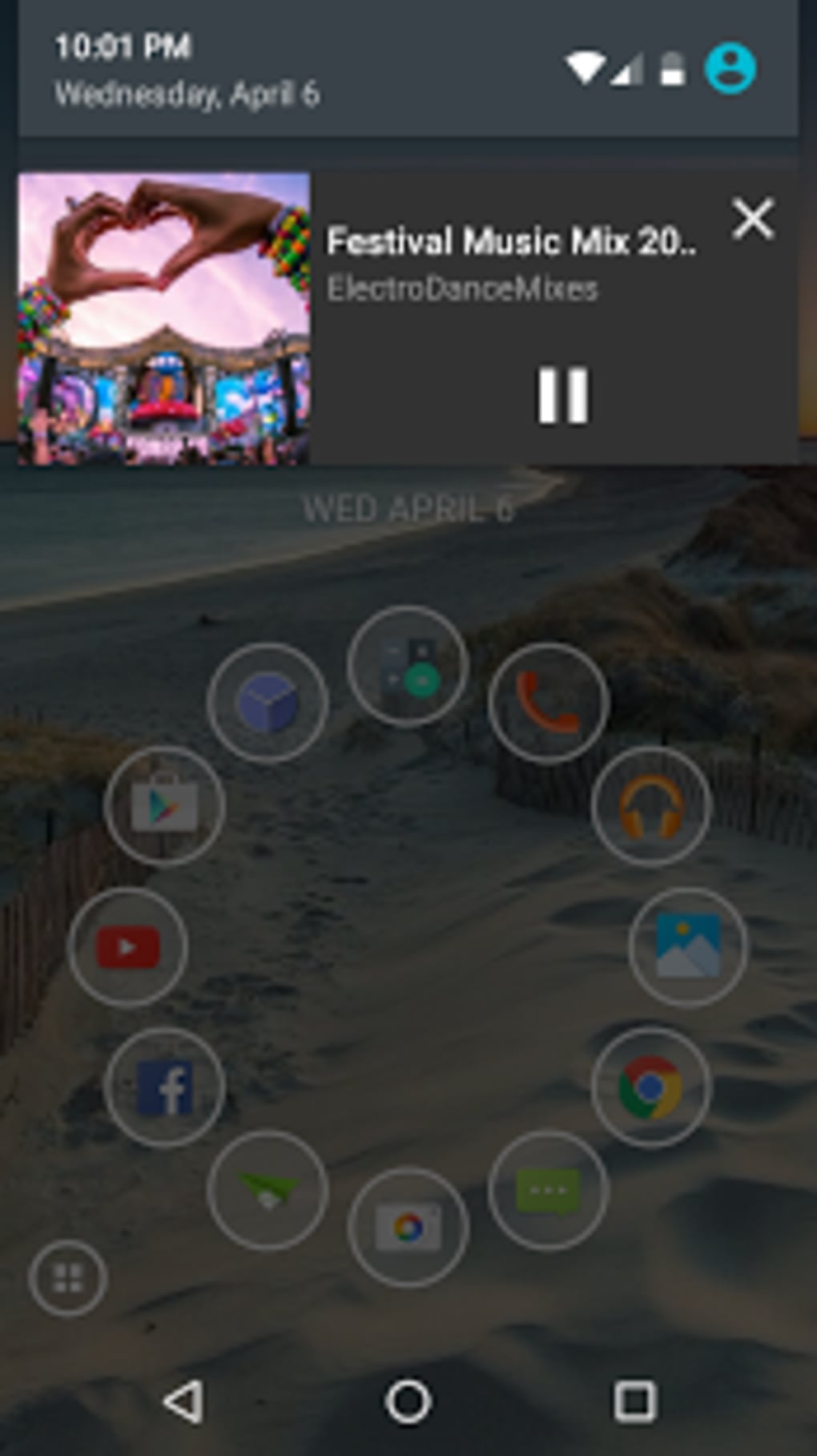
The user interface of Audio Rocket Beta is structured around core audio operations, with navigation designed to guide users through playback, editing, and conversion tasks. Menus and buttons are organized to minimize complexity, reflecting a focus on accessibility for non-technical users. The workflow is linear: select a file, choose an action, and apply the desired changes, which supports efficient task completion.
Performance details were not specified by the developer. However, based on general behavior of similar lightweight Android applications, the app likely operates with minimal system resource consumption. The developer did not provide additional system requirements, so exact CPU or RAM usage remains unknown. Stability during prolonged use or under heavy file processing is also not documented. Users should expect standard performance typical of basic audio tools on Android, with potential variability depending on device hardware and operating system version.
Given that the last update was released in 2017, the app may not fully support newer Android versions or hardware advancements. Compatibility with current devices cannot be confirmed without testing. Nevertheless, the interface remains functional for basic tasks, and the lack of complex animations or background processes suggests a low impact on device performance.
Compatibility & System Requirements
Audio Rocket Beta is compatible with Android 4.3 and higher, making it accessible to a wide range of older and mid-tier devices. The app is designed for mobile use and does not support desktop operating systems such as Windows or macOS. Installation size varies depending on the device, indicating that the package may be optimized differently across hardware configurations.
Exact system requirements were not listed by the developer. This includes unspecified details about minimum RAM, processor architecture, or storage space needed for optimal operation. As a result, users are advised to test the app on their device to confirm functionality. The app’s availability in English ensures consistent access to interface elements across supported devices.
While the software has been available since 2017, the absence of recent updates raises concerns about long-term compatibility with modern Android versions. Users should be cautious when installing on newer devices, as API changes and security updates may affect performance or prevent installation altogether.
Pros and Cons
Pros
- Free to download and use with no in-app purchases
- Supports common audio formats including MP3 and WAV
- Offers essential audio editing and conversion tools
- Functions offline, ideal for users without constant internet access
- Simple, intuitive interface suitable for beginners
Cons
- Latest update was released in 2017, raising concerns about modern compatibility
- No official information on system requirements or performance metrics
- Limited to Android platform; not available on Windows or Mac
- May not support newer Android features or security standards
- Download statistics show minimal recent activity, suggesting low user engagement
FAQ Section
Is Audio Rocket Beta compatible with my Android device?
Audio Rocket Beta is designed for Android 4.3 and higher. If your device runs a supported version, the app should install. However, due to the last update being in 2017, compatibility with newer Android versions cannot be guaranteed.
Is the app safe to download and use?
The app is available through public app repositories and has been part of the software selection since 2017. No security vulnerabilities have been reported. As with any third-party app, users should ensure they download from trusted sources.
Does Audio Rocket Beta require an internet connection?
No, the app functions entirely offline. All audio playback, editing, and conversion tasks can be performed without an active internet connection.
How often is Audio Rocket Beta updated?
The current version, 102012017, was released on February 28, 2017. There have been no updates since then, indicating that the app is no longer actively maintained.
Can I use Audio Rocket Beta on Windows or Mac?
No, the software is exclusively available for Android devices. It is not compatible with desktop operating systems such as Windows or macOS.
Final Thoughts + CTA
Audio Rocket Beta presents a straightforward, no-cost solution for basic audio management on Android. While its core features—audio playback, editing, and conversion—remain relevant, the lack of updates since 2017 raises significant concerns about compatibility with modern devices and operating systems. The app’s simplicity and offline functionality make it appealing for users with minimal needs, particularly those on older Android hardware.
However, its outdated status limits its practicality for most current users. Advanced features, performance optimization, and support for modern file formats are likely absent. For those seeking a reliable, up-to-date audio tool, alternatives with active development and broader compatibility may be more suitable.
Still, for users with older Android devices who need a free, lightweight audio utility, Audio Rocket Beta remains a viable option. Its availability in English and straightforward interface offer accessibility for global users.
Download Audio Rocket Beta now





.png)

